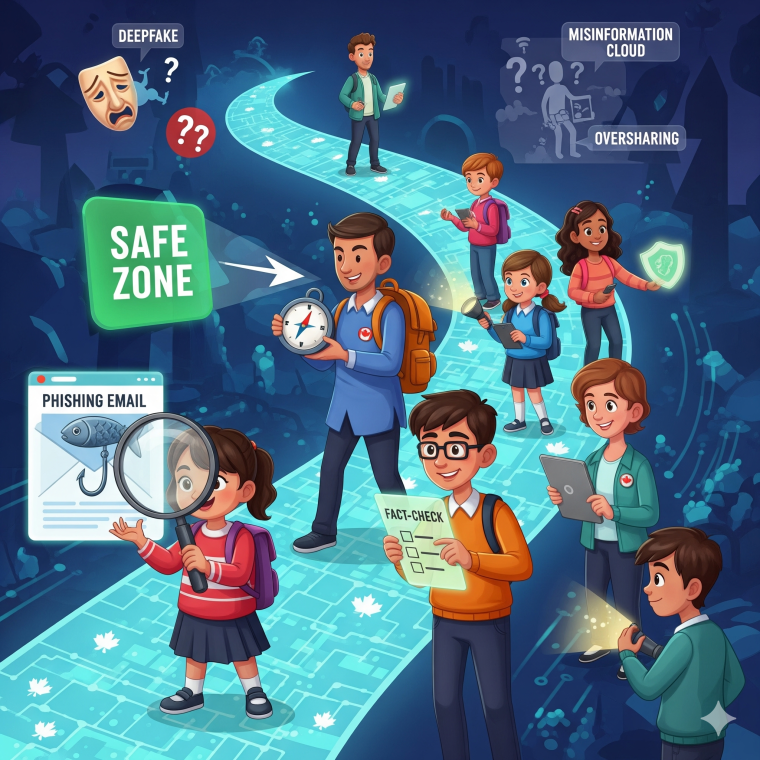
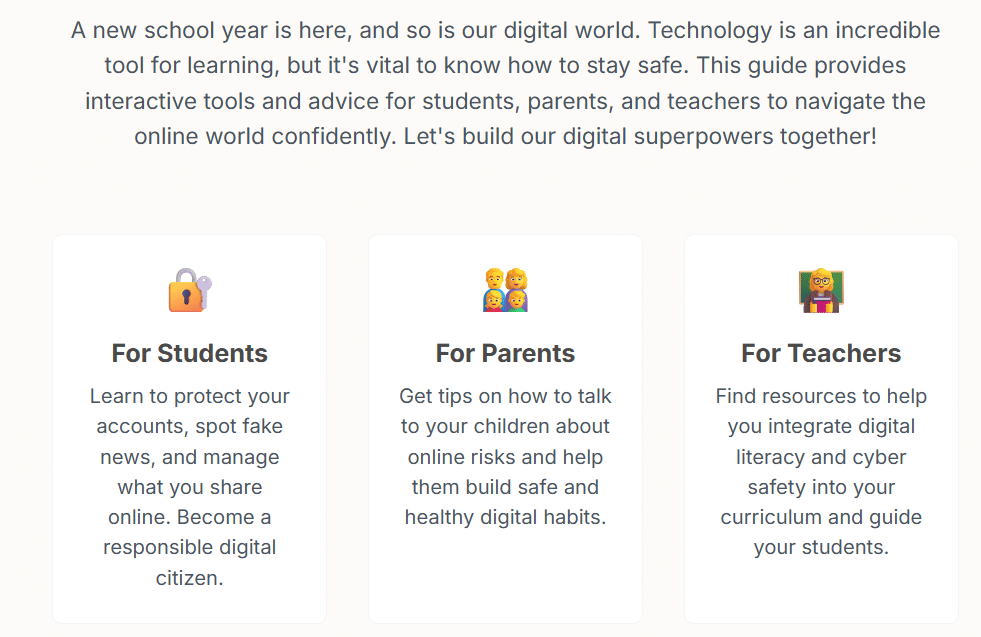
A new school year is here, full of excitement, new friends, and fresh opportunities for learning. Our classrooms are buzzing, and so is our digital world. Technology is an incredible tool that helps us learn, create, and build community, but just like in the physical world, it’s important to stay alert and know how to keep ourselves safe.
Think of it as building your own digital superpowers! Being cyber safe isn’t about being afraid of the internet; it’s about having the knowledge to use it confidently. At the school board, we’re doing our part to protect our systems, but cyber security is a team effort. Every single person—students, parents, and teachers—plays a crucial role in creating a safe and secure digital environment for everyone.
Your Digital Fortress: Password Power and MFA Magic
Building your online safety starts with a strong foundation: your passwords. The(https://www.cyber.gc.ca/en/guidance/best-practices-passphrases-and-passwords-itsap30032) recommends we move away from short, simple passwords and instead create a “passphrase”. A passphrase is a memorable, multi-word sequence that is much harder for bad actors to guess, and it should be at least 15 characters long. Think of a simple phrase, like “Closet lamp Bathroom Mug.” This is far more secure than a random string of characters. A fantastic way for students to engage with these concepts is through the
Cyber Champion Challenge, a contest for Ontario K-12 students that encourages creativity to spread online safety messages.
If an account doesn’t allow a long passphrase, the CCCS suggests a complex password of at least 12 characters. You can make one by taking the first letter of each word in a memorable phrase, like “My jersey number when I played competitive soccer was 27!” which becomes Mj#wIpcsw27!. A password manager is fantastic way to create and remember these unique passwords. However, because a compromised email account can be used to reset passwords for all your other accounts, it is vital to protect the password manager with a unique, strong password that you do not store in the password manager.
The next step in building your digital fortress is to add an extra lock with Multi-Factor Authentication (MFA). MFA requires two or more verification methods to prove you are who you say you are. The concept is simple: it combines something you know (like your password), with something you have (like a code sent to your phone), or even something you are (like a fingerprint). Many services you use, from your school board to the Caanda Revenue Agency (CRA) already require or offer this feature for an excellent reason—it significantly strengthens your security.
Spot the Scam-osaurus: From Phishing to Smishing
A common threat online is a scam, and attackers often use emails (phishing) and text messages (smishing) to trick you into giving them your personal information. The name “phishing” is a nod to “fishing”—scammers are trying to bait you into clicking a link or providing information. These messages often mimic legitimate organizations like banks, businesses, or government agencies to look trustworthy. A popular smishing scam in Canada, for instance, involves texts that claim to be from a company or government agency with a message like, “Your Account has been locked” or “We’ve detected suspicious activity on your account – verify now”.
The real danger of these scams is that they play on human emotions. Scammers create a false sense of urgency or fear to make you act quickly without thinking. They might threaten to deport you, say you owe money to the CRA, or claim your account will be locked if you don’t respond immediately. By bypassing your critical thinking, they hope you will click the provided link. Think of Lise, a character created by the Competition Bureau, who knows that any unsolicited message is “fishy” and advises her friends to delete suspicious messages and never reply to spam.
To protect yourself, remember that reputable organizations will never ask for your personal information through email or text. If a message seems suspicious, pause, delete it, and block the number. To verify a message, do not use the contact information provided in the suspicious message; instead, and contact them directly. If you think you’ve come across a scam, report it.
The Great Unmasking: Fact vs. Fiction in the Digital Age
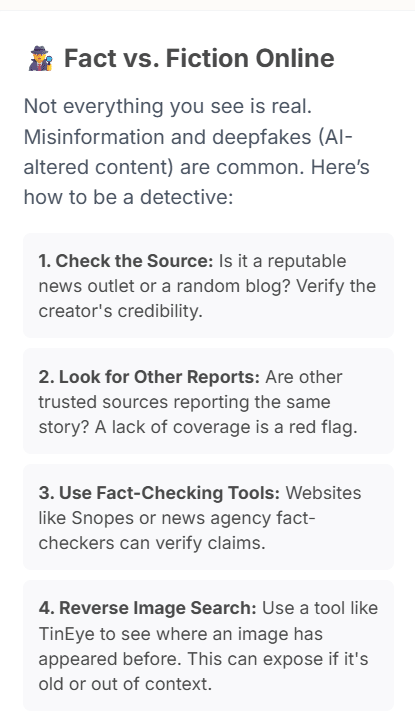
The internet is a vast and wonderful library of information, but not everything you see or hear online is true. —false or inaccurate information—is everywhere, and it can be difficult to tell what is real and what is not. This is why building digital literacy skills is so important. A fantastic Canadian resource for this is MediaSmarts, a non-profit organization focused on media literacy. Their “Break the Fake” campaign provides a simple four-step process for verifying information :
-
Use fact-checking tools: Check if a fact-checker like Snopes.com has already investigated the story.
-
Find the source: Click the link to go to the original story and see if it comes from a trusted outlet.
-
Verify the source: Use Google or Wikipedia to check if the source is legitimate and has a good reputation.
-
Check other sources: See if other news outlets are also reporting the same story to confirm its veracity.
A more advanced form of misinformation is a “deepfake” Deepfakes are images, videos, or audio clips that look and sound completely realistic but have been altered using artificial intelligence (AI). They can make it appear as though someone is oing or saying something they never did. In the past, it was easy to spot them by looking for technical flaws, like a person having six fingers or an unnatural blink rate, but as AI has advanced, these tells have become nearly impossible to spot.
The real defense against this form of deception is not to look for a single flaw, but to use a combination of critical thinking and source verification. When you see something that seems shocking or too good to be true, your best strategy is to be a detective. You can perform a on a site like TinEye.com to see if the picture has appeared on other, more reputable sources. You should also look for the original source and check if the person or organization who created the content is trustworthy. By focusing on source tracing and context, you build a more resilient defense against the rapidly changing landscape of AI-generated content.
Mind Your Digital Footprint: The Art of Less Is More
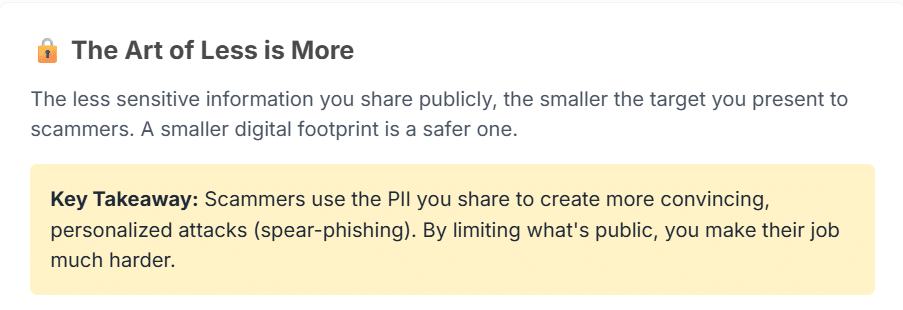
Everything we do online leaves a trace—a . This trail of information includes social media posts, online purchases, and app usage, and it can have a lasting impact on your reputation. As part of being a digitally literate student, understanding how to manage your digital footprint is key. A key part of your digital footprint is your Personally Identifiable Information (PII) which is any data that can be used to identify you. For instance, your school board’s privacy policy outlines routine uses of PII for things like sharing your first name and last initial for class holiday card lists or for school directories. This is a normal and authorized use of information. However, when you overshare PII on public platforms, such as your full name, home address, or even your school’s name, you create a risk for yourself.
A common misconception is that PII oversharing is just a privacy risk. In reality, it is a force multiplier for other threats. Scammers and bad actors use publicly available personal information to create more convincing attacks. For example, they can use your school’s name, your friends’ names, or your hometown to craft a personalized phishing email, a tactic known as “spear-phishing“. A malicious actor could also use your photos from a public social media profile to create a deepfake.
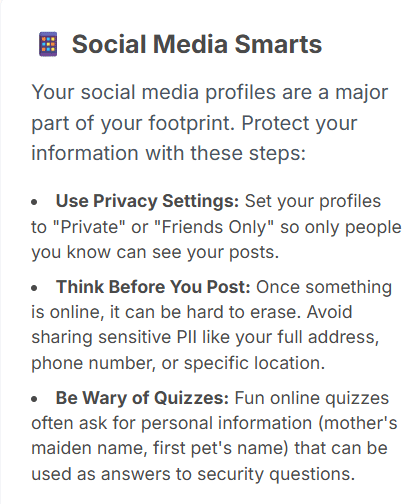
To manage your digital footprint, be mindful of what you share and with whom. Use on all your social media platforms to limit who can see your posts. Always be cautious about sharing sensitive information like your full name, home address, or phone number on public platforms. By being thoughtful about your online presence, you protect yourself from future harm.
A Final Rally: A Call to Action for a Safe School Year
As we begin this new school year, let’s all make a commitment to be safe and smart online. Remember to:
-
Strengthen your accounts with long passphrases and MFA, with guidance from the Canadian Centre for Cyber Security and the Get Cyber Safe campaign.
-
Think before you click and look out for scam red flags, and report any scams you find to the Canadian Anti-Fraud Centre .
-
Be a detective and verify information and sources before you believe or share them, using resources like MediaSmarts.ca.
-
Guard your privacy by being mindful of your digital footprint.
We are all in this together. Your school and school Board is committed to providing a safe digital learning environment, and will encourage you to use the trusted Canadian resources provided. By working as a community, we can ensure that this school year is not only full of learning and connection but also safe and secure.
Originally published on Chris’s Musing on Substack.